
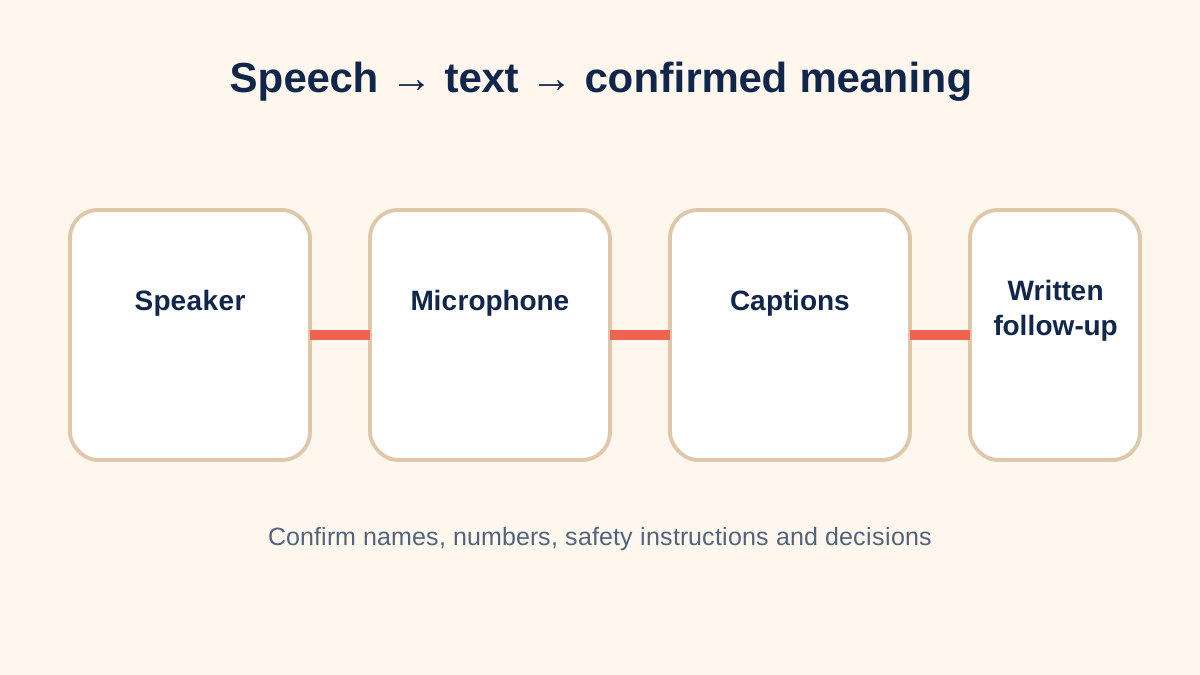
Caption options solve different problems
Built-in meeting captions can be quick and widely available. Communication access real-time translation, often called CART, uses a trained provider to produce high-accuracy text. Relay and captioned telephone services address calls. A transcript created after the event does not provide equal real-time participation.
Accuracy is situational
Microphone quality, overlapping speech, accents, technical names, room noise and network conditions affect automatic captions. Accuracy should be judged with the actual vocabulary and environment. Names, numbers, medication terms, safety instructions and decisions deserve explicit confirmation.
Display and participation
Choose where captions appear, whether the user can resize them and whether speaker names are clear. Captions should not cover shared slides or force a participant to look away from the speaker. Provide materials in advance and ask one person at a time to speak.
Worked meeting plan
A hybrid training uses platform captions for general discussion, a dedicated room microphone and a shared document for action items. The organizer sends technical vocabulary to the captioner in advance and provides a transcript afterward. The combination supports live participation and later review.
Privacy questions
Identify whether audio or transcripts are processed or stored by a vendor, who can access them and when they are deleted. Use an approved service for confidential health, legal, education or employment conversations. Tell participants when a recording or retained transcript is involved.
Design the meeting around access
Captions work better when speakers use a functioning microphone, identify themselves and avoid talking over one another. Send agendas, names and specialized vocabulary in advance. Keep shared documents accessible and describe important visual information aloud. These practices improve the caption input and also help participants who use interpreters, assistive listening systems or written follow-up.
Decide whether captions are needed only by one participant or should be displayed for everyone. A personal view can allow individual size and contrast settings. A shared display may help the group but must not expose confidential text outside the intended audience. If a transcript will be saved, explain who receives it and whether it is an official record.
Test critical information separately
Automatic captions can appear fluent while silently changing a name, number or negative word. Build a confirmation habit for deadlines, prices, addresses, safety instructions and assigned actions. A speaker can repeat the item, paste it into chat or place it in a shared action list. The participant should not have to guess whether “can” was really “cannot.”
For an accommodation or high-stakes event, define the needed accuracy and response time before selecting a service. Trial the actual platform, room, microphones and subject vocabulary. When automatic captions do not provide effective access, a trained real-time captioner or another communication aid may be necessary. The appropriate service depends on the communication context, not merely on whether a caption button exists.
Combine audio and text instead of forcing a choice
Captions do not prevent use of hearing aids, a remote microphone, an interpreter or visual presentation. Combining channels can reduce listening effort and allow the participant to check an uncertain phrase. The meeting organizer should keep the caption view, speaker view and shared material simultaneously usable rather than making the participant constantly switch windows.
After the meeting, distinguish a convenience transcript from an approved record. Automatic transcripts often contain errors and may need correction before decisions are distributed. A concise written summary with owners and deadlines can be more reliable than asking everyone to search a raw transcript. This closes the communication loop for all participants.
Evaluate effectiveness with the participant
Do not judge captions solely by whether text appeared. Ask whether the participant could follow speakers, identify questions, read shared material and respond without unreasonable delay. Review where errors clustered and whether microphone or meeting practices caused them. If access depended on a participant repeatedly interrupting to correct the system, the arrangement may need revision. Record the effective setup so the next organizer can reproduce it.
No single caption method is best for every meeting. Language, pace, risk, confidentiality, platform and participant preference all influence the effective choice. Test with the person who needs access and retain a fallback when accuracy or connectivity is uncertain.
Sources and review notes
Sources were checked for this editorial update on October 12, 2026. External guidance can change; follow the linked source for the current version.
This page provides education, not an individual diagnosis, treatment plan, legal opinion or billing decision. Historical expert contribution is credited only where supported by the original project record; it does not imply review of this update.