
Why distance changes speech access
A talker’s voice becomes weaker with distance while room noise and reverberation remain. A hearing aid microphone near the listener receives the whole mixture. A remote microphone placed near the talker captures a cleaner signal and sends it to the listener, improving the signal-to-noise relationship.
Common system formats
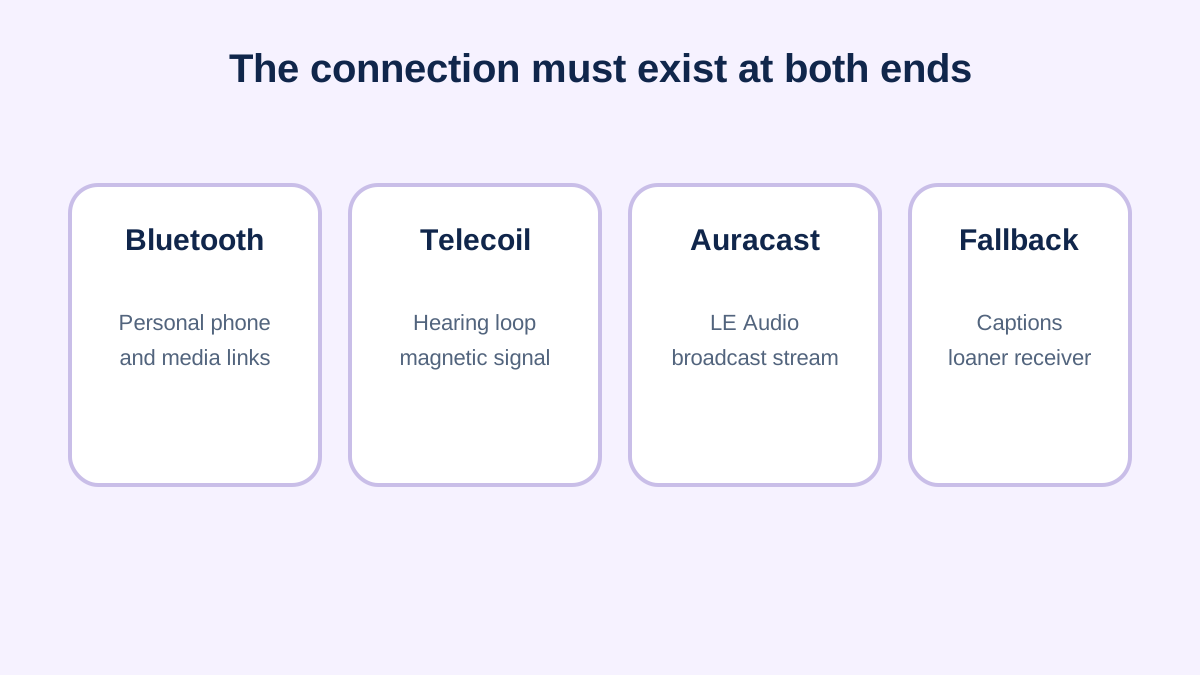
Personal microphones may clip to one talker, rest on a table or combine several microphones. They can connect through a manufacturer accessory, Bluetooth-related link, telecoil neckloop, FM/DM receiver or other dedicated protocol. The connection name alone does not prove that every device pair will work.
Meeting workflow matters
A good system can fail when nobody passes the microphone, it is muted, the battery is empty or remote participants are not included. Establish who starts and charges it, how speakers take turns, what the visual status means and what backup method is available.
Worked trial
Test a weekly team meeting at the actual table. Compare the hearing device alone, a table microphone and a microphone worn by the primary presenter. Note speech from side conversations, remote attendees and questions from the room. The best setup may combine captions with a microphone instead of choosing only one.
Selection checklist
- Which talkers and distances must be covered?
- Does it connect directly or require an accessory?
- Can multiple microphones work together?
- How are mute, battery and disconnection shown?
- Who provides setup and troubleshooting?
Choose microphone mode for the room
A lapel mode favors one nearby talker. A table mode may collect several people around a small table, but also collects noise and handling sounds. Directional pointing can help with a talker across a counter. Networked microphones can cover multiple speakers, but require charging, pairing and a clear handoff process. Select the mode according to who needs to be heard, not according to the product’s longest feature list.
For hybrid meetings, decide whether the remote microphone is capturing the room, the computer or both. Feeding a computer speaker back into a room microphone can reduce clarity or cause echo. A direct connection to the conferencing system, combined with a separate room microphone and captions, may provide a more reliable chain.
Document a repeatable setup
Create a one-page setup note with device names, charging location, pairing sequence, microphone placement, mute indicators and the fallback plan. Label shared parts. Test how the system behaves after a laptop update, phone call or input change. At work or school, assign responsibility for storage, charging, software updates and replacement rather than placing every technical burden on the listener.
Evaluate success with a task: following questions from around the table, identifying the next speaker or capturing an instruction from a distance. If the listener hears the primary presenter but misses every audience question, the system only partly meets the need. Add a roving microphone, repeat questions into the main microphone or combine it with captions.
Questions that reveal a usable product
Ask how many hours the microphone and receiver operate, whether they can charge during use, what range is realistic through walls and people, and how privacy is handled. Confirm whether the listener can mix microphone input with nearby environmental sound and quickly mute the stream. For a shared system, check cleaning, pairing limits and whether replacement microphones can be added without returning every component.
The most useful demonstration is not a salesperson speaking across a quiet room. Bring the hearing devices, phone or computer that will be used, reproduce the real seating and ask several people to speak. A product earns its place when the listener can complete the target task and recover from ordinary setup failures.
Access is a process, not a gadget
In an accommodation setting, purchasing the microphone is only the start. Effective use may require training for speakers, a reservation process, sanitation between users, spare chargers and technical support. Document how a substitute employee or instructor can start the system. Review it after room, platform or job changes. This operational layer often determines whether a technically capable product delivers dependable communication access.
Sources and review notes
Sources were checked for this editorial update on October 12, 2026. External guidance can change; follow the linked source for the current version.
This page provides education, not an individual diagnosis, treatment plan, legal opinion or billing decision. Historical expert contribution is credited only where supported by the original project record; it does not imply review of this update.