Personal Bluetooth connections
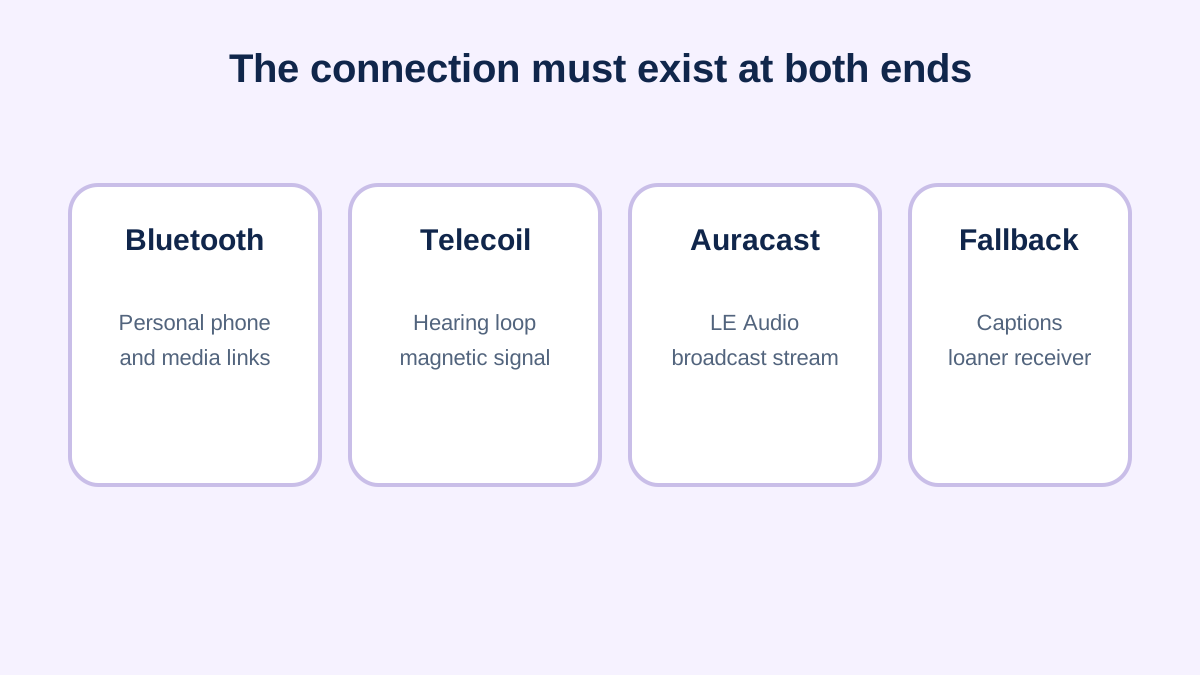
Hearing devices may support phone calls, media streaming or app control through different Bluetooth profiles and manufacturer implementations. “Bluetooth compatible” can mean control only, streaming to one phone platform, streaming through an accessory or newer LE Audio support. Check the exact phone model, operating system and hearing-device model.
Telecoils and hearing loops
A hearing loop sends an audio-frequency magnetic signal through a room or counter area. A telecoil in a hearing aid, implant processor or receiver can pick up that signal, reducing distance and room-noise effects. Users need to know how to activate the telecoil program and whether microphone sound is mixed in.
Auracast broadcast audio
Auracast is designed to let compatible transmitters broadcast audio that compatible receivers can join. Potential settings include televisions, transport hubs, theaters and meeting rooms. Availability is expanding, but a Bluetooth logo alone does not prove Auracast support; both hardware and software implementation matter.
Worked compatibility check
A venue advertises a hearing loop, but a visitor’s device has no telecoil. A phone can sometimes bridge the gap only if the venue offers another stream and the phone/hearing-device combination supports it. The reliable approach is to ask the venue which system is installed and ask the hearing provider which receiving paths are enabled.
Privacy and fallback
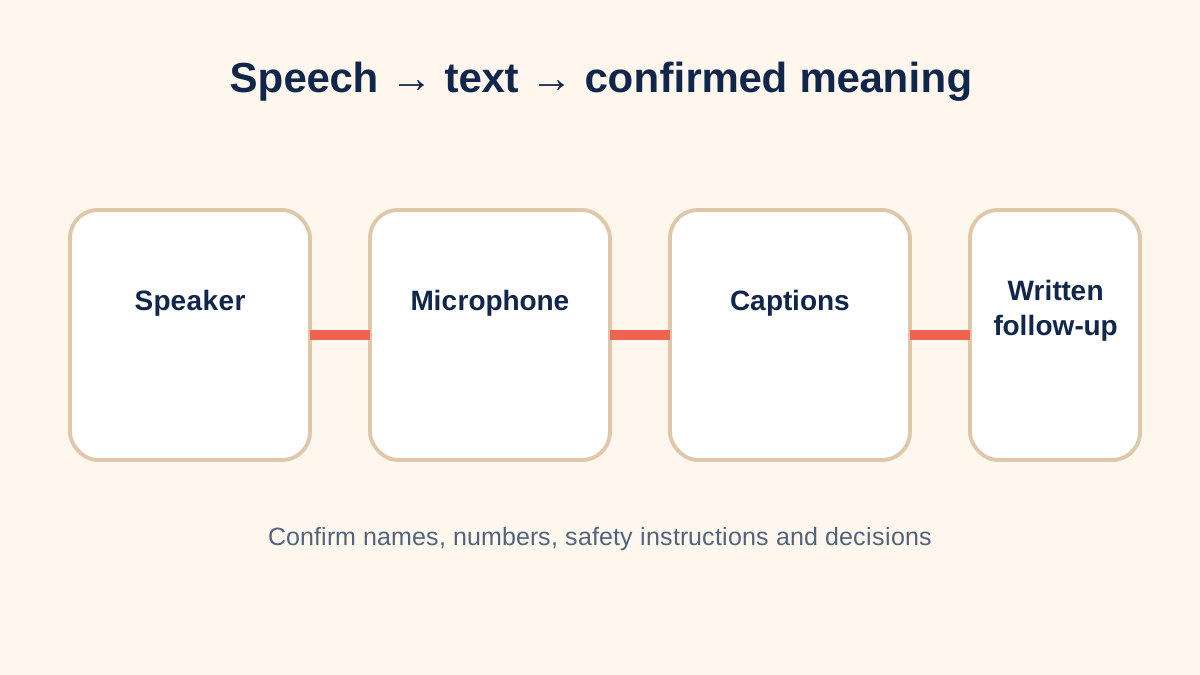
Personal pairing can protect a private connection, while public broadcasts may be intentionally discoverable. Do not assume a broadcast channel is appropriate for confidential meetings. Keep captions, a wired output, a loaner receiver or written follow-up as a fallback when interoperability is uncertain.
Use a compatibility worksheet
Record the exact source device, operating-system version, hearing-device model, receiving program and any intermediate accessory. Then state the desired function: app control, one-way media streaming, two-way hands-free calls or public broadcast reception. A manufacturer compatibility list may distinguish these functions. Test reconnecting after airplane mode, a reboot and switching between two audio sources.
For telecoils, confirm that the coil exists and that the provider has enabled an appropriate program. Ask whether the microphone remains active with the coil. For Auracast, verify that both the transmitter and receiver implement the required broadcast features; “Bluetooth LE” or “Bluetooth 5” by itself is insufficient. Venue staff should be able to identify the installed system and provide a compatible receiver when required.
Plan for public and private listening
A public theater broadcast and a confidential staff meeting have different privacy expectations. Open broadcast discovery may be intentional in a public venue. Sensitive workplace, health or legal audio should use an approved connection and data-handling process. If captions or a phone relay are added, include those services in the privacy review.
Keep a non-wireless fallback. Batteries run down, pairing is lost and software versions change. A loaner receiver with headphones, a wired audio output, captions or written material can preserve access. Interoperability should be tested before an important event instead of assumed from logos on packaging.
Separate standards from implementations
A standard can make interoperability possible, but each manufacturer decides which capabilities to include, enable and support. Hardware generation, firmware, regional release and phone software can affect the result. Public venues may also operate older loop, FM or infrared systems for years alongside newer broadcasts. A user may reasonably need more than one receiving route.
When documenting compatibility, use exact model numbers and the date tested. Avoid permanent claims such as “works with all Android phones.” Record which functions worked, which accessory was required and whether the connection survived a restart. This turns a vague compatibility promise into repeatable evidence and makes future troubleshooting much faster.
Prepare before travel or an event
Contact a venue in advance, name the listening system and ask where receivers are collected and returned. Charge personal devices and bring the required program or accessory. Arrive early enough to test sound before the program begins. If the system fails, request the established alternative instead of spending the event troubleshooting alone. For travel, keep essential adapters, chargers and written device information in accessible luggage and confirm local power requirements.
Technology names and compatibility can change with firmware and product generations. Verify the current manufacturer documentation and venue system at the time of use; this guide teaches the connection model rather than certifying a particular combination.
Sources and review notes
Sources were checked for this editorial update on October 12, 2026. External guidance can change; follow the linked source for the current version.
This page provides education, not an individual diagnosis, treatment plan, legal opinion or billing decision. Historical expert contribution is credited only where supported by the original project record; it does not imply review of this update.