
The three barriers: noise, distance and reverberation
Background noise competes with speech. Distance weakens direct speech compared with room sound. Reverberation smears sound over time as it reflects from hard surfaces. Together they can make a meeting difficult even when every voice is technically audible.
A person with hearing loss may need a stronger signal-to-noise relationship than coworkers. Hearing aids cannot recover a clean signal that never reaches their microphones.
Low-cost operational changes
Move noisy equipment away from communication areas, close doors, choose the quieter room and avoid simultaneous conversations. Seat participants in a compact arrangement with clear faces. Use turn-taking, repeat audience questions into the main microphone and provide names, numbers and decisions in writing.
These practices cost little but need an owner. A room policy that nobody follows is not an access solution.
Room treatments and systems
Absorptive ceiling tiles, wall panels, carpeting or other soft finishes can reduce reverberation when appropriately designed. Quiet ventilation and equipment isolation reduce steady noise. Sound-field systems can distribute a presenter’s voice, while table or wearable microphones can deliver a closer signal to a personal receiver.
Acoustic work should preserve fire, ventilation, cleaning and safety requirements. Large projects benefit from qualified acoustic measurement and design.
Hybrid meetings need two sound paths
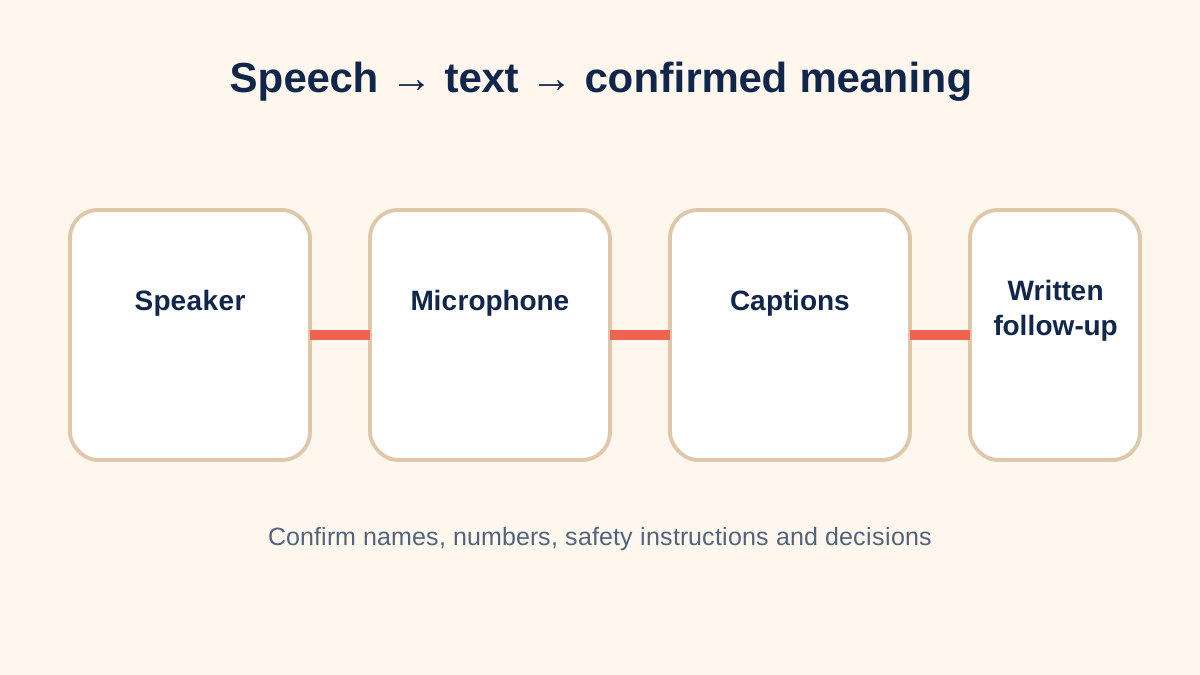
Remote participants need a clean room microphone feed, and people in the room need clear remote audio. One laptop in the center rarely covers a large table well. Use appropriately placed microphones, echo control and speakers, then confirm that captions identify speakers and capture technical terms.
Do not assume an automatic transcript is accurate enough for safety instructions, legal decisions or exact figures; provide corrected written follow-up where accuracy matters.
A before-and-after trial
A weekly project meeting takes place beside a loud ventilation grille. The team moves to a smaller room, adds a table microphone, closes the door, enables captions and adopts one-speaker-at-a-time facilitation. The employee records whether questions, names and assignments are captured across three meetings. That functional evidence is more useful than a general statement that the room is “better.”
Plan, measure and revisit
- Name the communication task and failure point.
- Measure noise or reverberation with qualified help when needed.
- Trial environmental, procedural and technology changes together.
- Confirm emergency alerts and announcements remain accessible.
- Document ownership, training, storage and review dates.
Workplace accommodation and safety duties depend on jurisdiction and facts. Use current official guidance and an individualized interactive process rather than treating this page as legal advice.
Audit the actual communication chain
Walk through a normal meeting from invitation to follow-up. Can the employee choose a seat, identify the current speaker, receive slides in advance, hear questions from the room and remote participants, view accurate captions and confirm decisions afterward? Check training rooms, break areas, customer counters and spontaneous conversations as well as the main conference room. Access can fail at a single handoff even when expensive equipment is installed.
Document observable barriers without collecting unnecessary medical details. For example: “questions from the far end of the table are not captured by the room microphone” is more actionable than “hearing is difficult.” That statement points toward microphone coverage, facilitation and a trial measure.
Maintenance and shared responsibility
Assign responsibility for charging, storage, software updates, microphone placement and caption activation. Label components, keep a short setup card in the room and train more than one employee. Include a fallback such as chat, written questions, a spare microphone or moving to a quieter space. Test after furniture, ventilation or conferencing equipment changes.
Review whether improvements work for the person who requested access and for other participants. Useful measures might include the number of repeated questions, correctly captured action items, fatigue or ability to participate without relying on a coworker. Do not make the employee the permanent technician or require public disclosure of medical information. An effective solution is part of normal meeting operations and can be revisited when duties, rooms or technology change.
Procurement should include setup time, compatible connectors, replacement parts, technical support and staff training—not only hardware price. When a room is shared, publish a simple booking note that explains its accessible features without identifying the employee who requested them.
Sources and review notes
Sources were checked for this editorial update on October 12, 2026. External guidance can change; follow the linked source for the current version.
- CDC/NIOSH — Understand Noise Exposure
- CDC/NIOSH — Engineering Controls
- ADA.gov — Effective Communication
This page provides education, not an individual diagnosis, treatment plan, legal opinion or billing decision. Historical expert contribution is credited only where supported by the original project record; it does not imply review of this update.