
How the feedback loop forms
A hearing aid microphone captures sound, the amplifier processes it and the receiver sends sound into the ear. If enough amplified sound leaks back to the microphone with the right timing, it is amplified again and produces a whistle or tonal ringing. High gain, an open fitting, poor seal and nearby reflective surfaces can make the loop more likely.
Modern feedback managers can reduce instability, but they cannot correct every physical problem without tradeoffs.
Start with safe observations
Note when feedback occurs: during insertion, while chewing, under a hat, near a phone, during hugs or continuously. Confirm the correct device is in the correct ear and that it is fully seated. Inspect the case, receiver wire, tubing, dome and earmold for visible damage or disconnection.
Follow the manufacturer’s approved cleaning instructions. Never insert a swab or improvised tool into the ear canal, and never continue wearing a sharp or broken part.
Wax, fit and acoustic leaks
Earwax can block sound leaving the device and contribute to feedback; it can also change the fit. A loose dome, cracked tubing, shrunken earmold or receiver that has moved can create a leak. Weight change and ear anatomy can alter fit over time. These issues need the correct replacement part or professional service, not glue or a random larger dome.
If a dome or filter may be lodged in the ear, stop and obtain professional help.
Programming and device limits
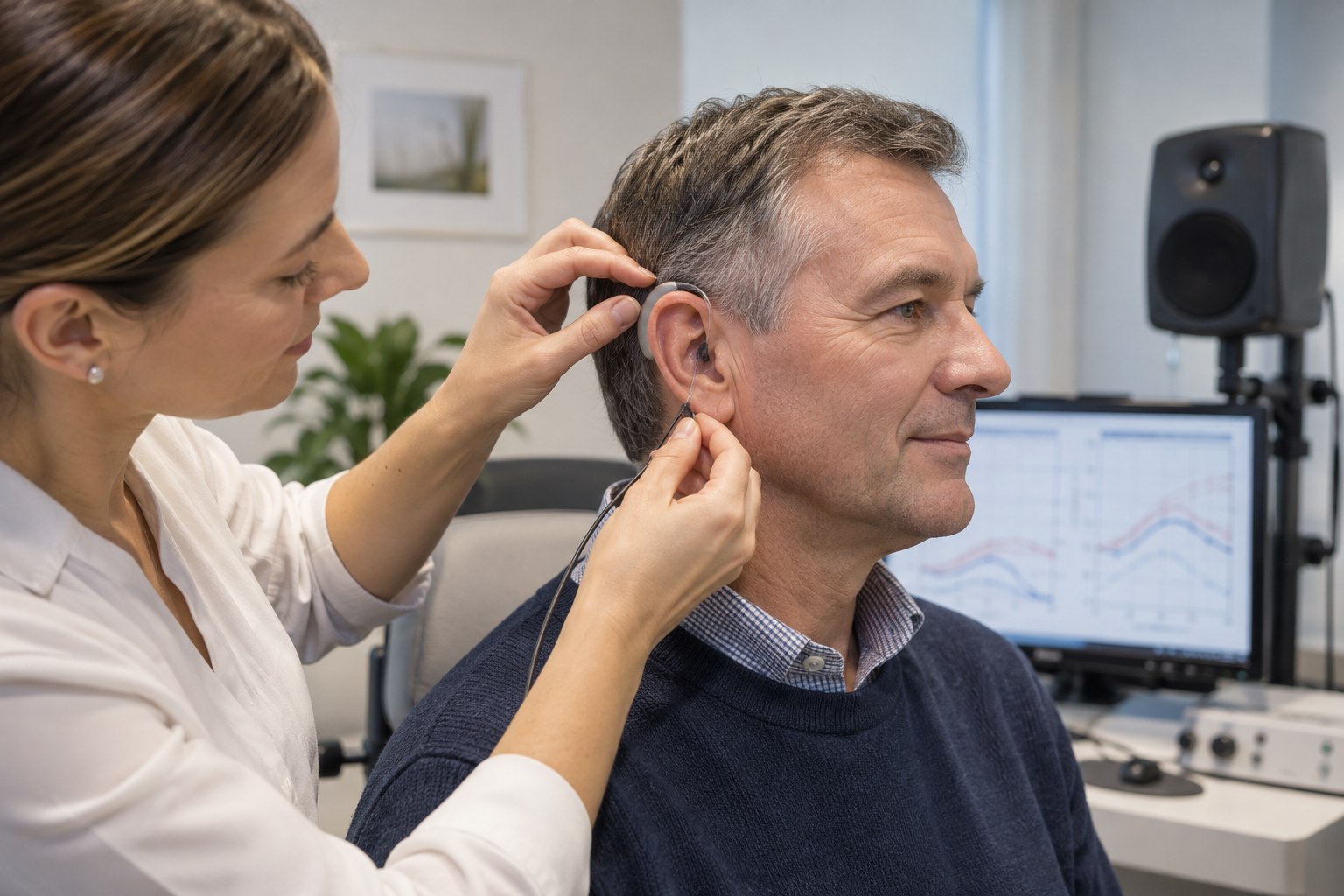
A clinician can run a feedback assessment, inspect coupling, compare real-ear output and adjust frequency-specific gain. Stronger feedback cancellation may affect sound quality or music in some settings. Reducing all gain can hide the whistle while also reducing speech audibility, so the goal is stable output that still meets the fitting plan.
A more closed coupling or different receiver may add stability, but comfort, occlusion and ear health must be considered.
A troubleshooting example
A device begins whistling whenever the user smiles, although it was stable last month. The user confirms full insertion and sees no broken wire. The clinic finds hardened earmold tubing and a changed seal, replaces the tubing and rechecks output. Software was not the first answer because the timing and physical inspection pointed to the sound path.
Another person whistles only near a telephone; positioning or a dedicated phone/streaming program may be the relevant fix.
When to stop and call
- Contact the clinic for persistent new feedback, reduced output, intermittent sound or fit changes.
- Seek medical care for pain, drainage, bleeding or sudden hearing change.
- Use manufacturer support for charging heat, battery swelling or damaged housing.
- Keep a backup communication method while equipment is serviced.
Record what triggers the problem and what changed recently. That short history helps distinguish fit, blockage, damage, environment and programming.
Separate acoustic feedback from other sounds
Not every unwanted tone is acoustic feedback. A low-battery alert, startup melody, phone notification, tinnitus or intermittent electronic fault can be described as beeping or whistling. Ask whether anyone else can hear it, whether it changes when a hand approaches the ear, and whether it occurs with the device removed. Do not place a powered hearing aid next to a microphone to experiment; use the provider’s or manufacturer’s diagnostic process.
Intermittent crackling, heat, odor, swelling or visible battery damage is not a fit problem. Stop using the device and follow manufacturer or professional safety guidance. A sudden drop in hearing should not be assumed to be a broken aid until the ear is appropriately assessed.
Prevent repeat problems
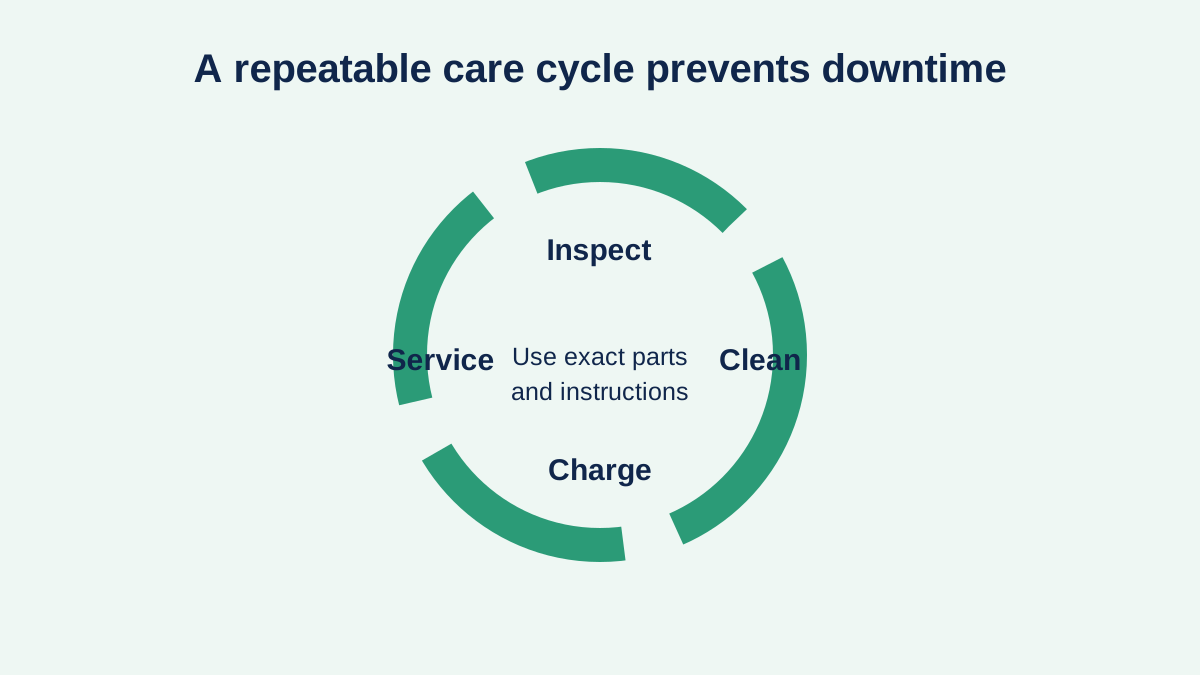
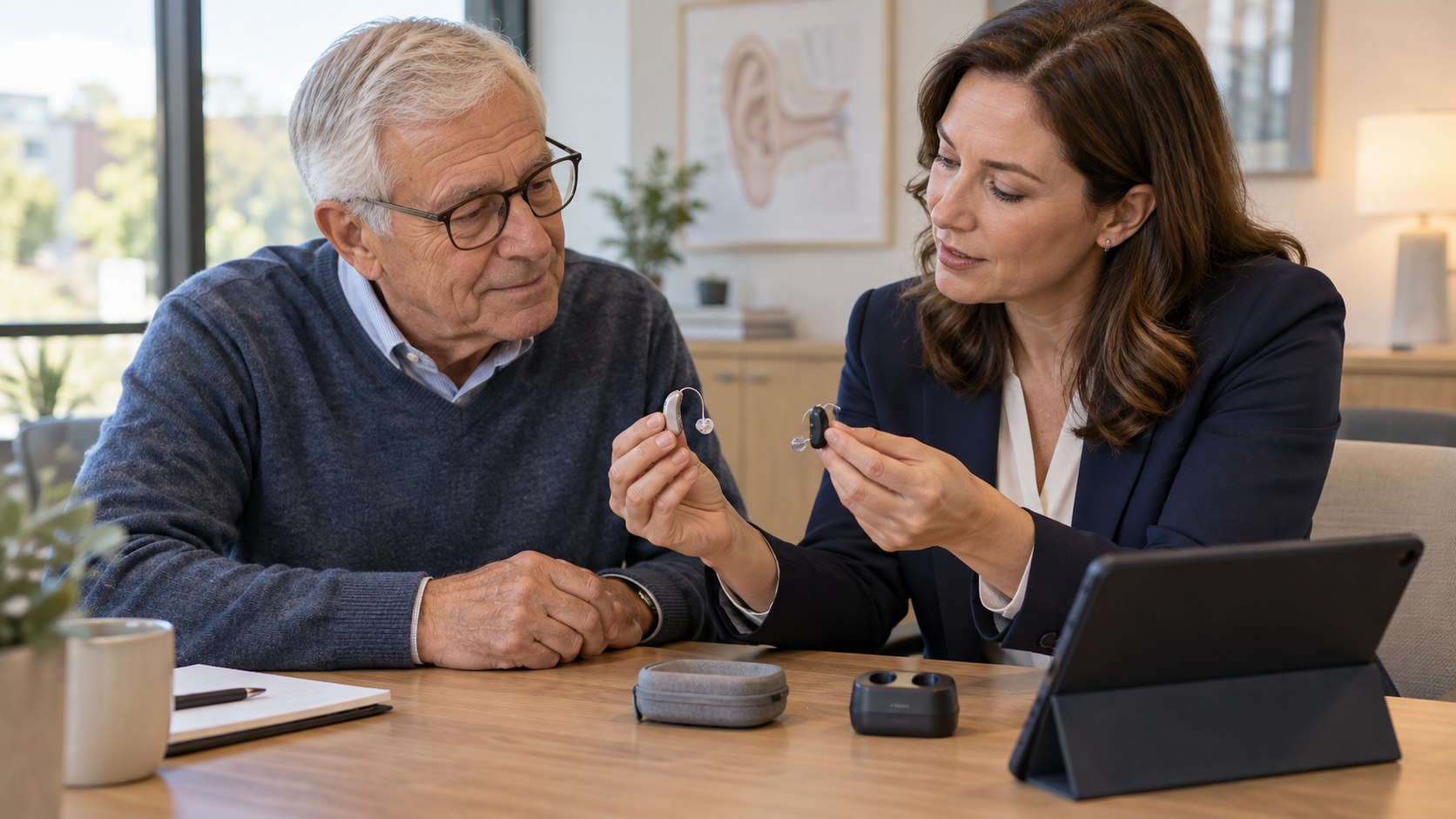
Use the exact dome, wax filter, tubing and earmold specified for the device. Store spare parts in labeled packaging and record when they are changed. Clean only as instructed, protect devices from moisture and heat, and schedule service when tubing hardens or earmolds no longer seal. If dexterity or vision makes small parts difficult, ask about safer tools, larger components or provider maintenance.
At the fitting, ask the clinician to document stable output with the intended coupling and to show how feedback management affects usable gain. During the trial period, test talking, chewing, phone use, hats and close contact—not just sitting quietly. A solution should remain stable in ordinary movement while preserving access to speech. Keep repair contacts and a backup communication plan so pressure to restore a device quickly does not lead to unsafe home modifications.
Sources and review notes
Sources were checked for this editorial update on October 12, 2026. External guidance can change; follow the linked source for the current version.
This page provides education, not an individual diagnosis, treatment plan, legal opinion or billing decision. Historical expert contribution is credited only where supported by the original project record; it does not imply review of this update.